Step 1
Install OpenClaw
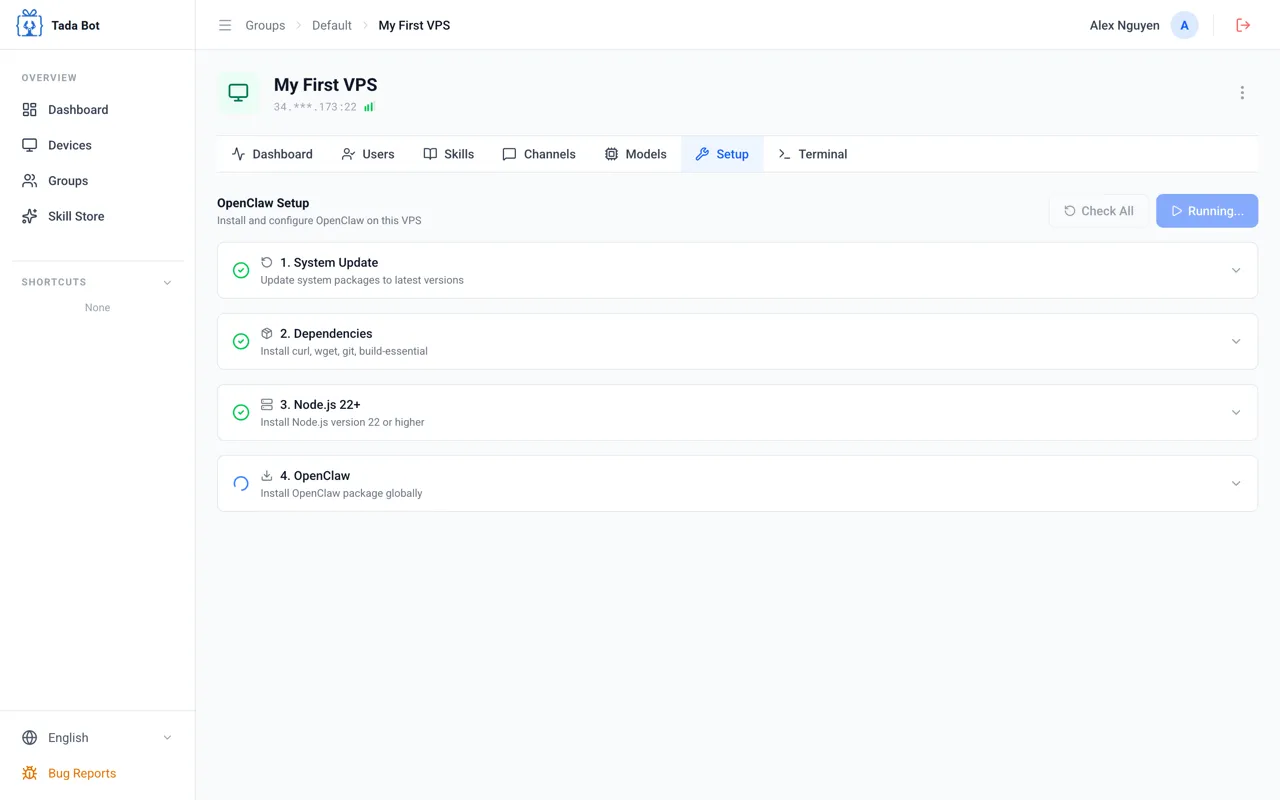
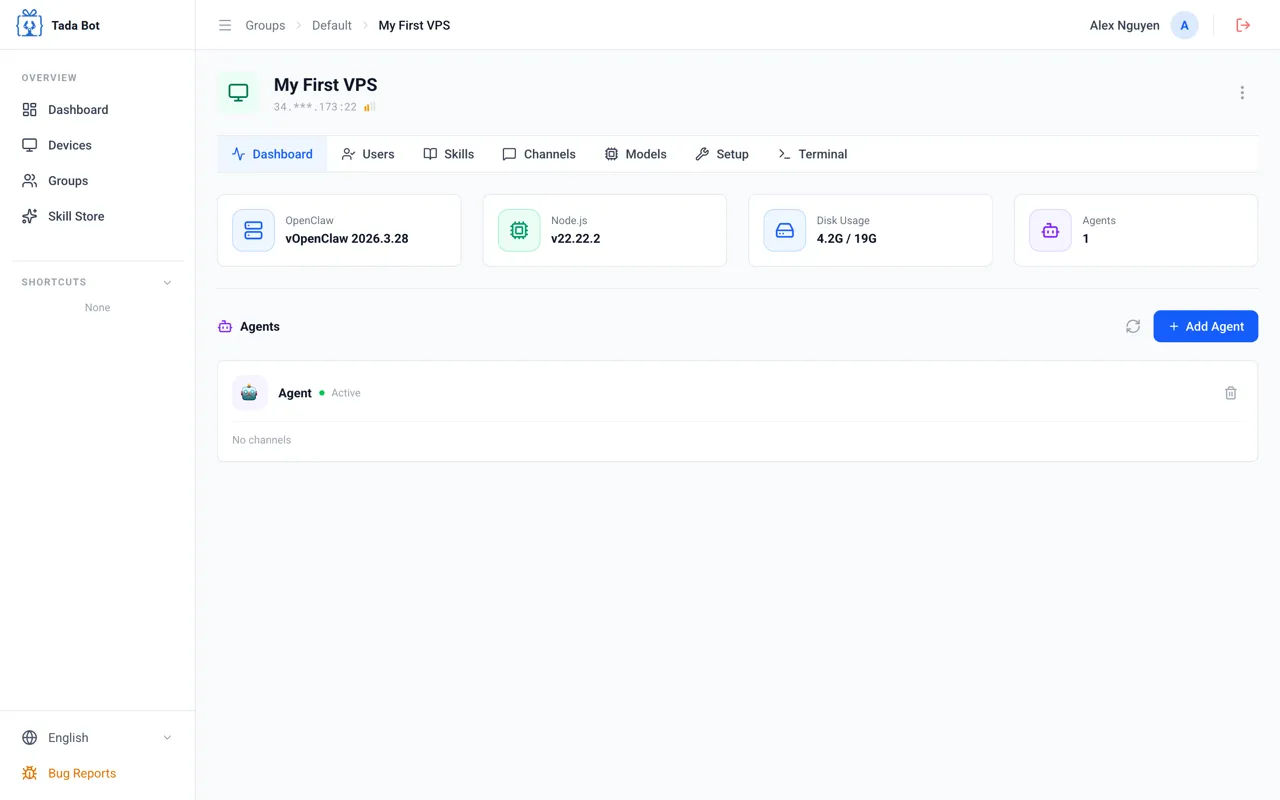
Setup Wizard automatically installs OpenClaw on your VPS with just 1 click.
Step 1 / 4
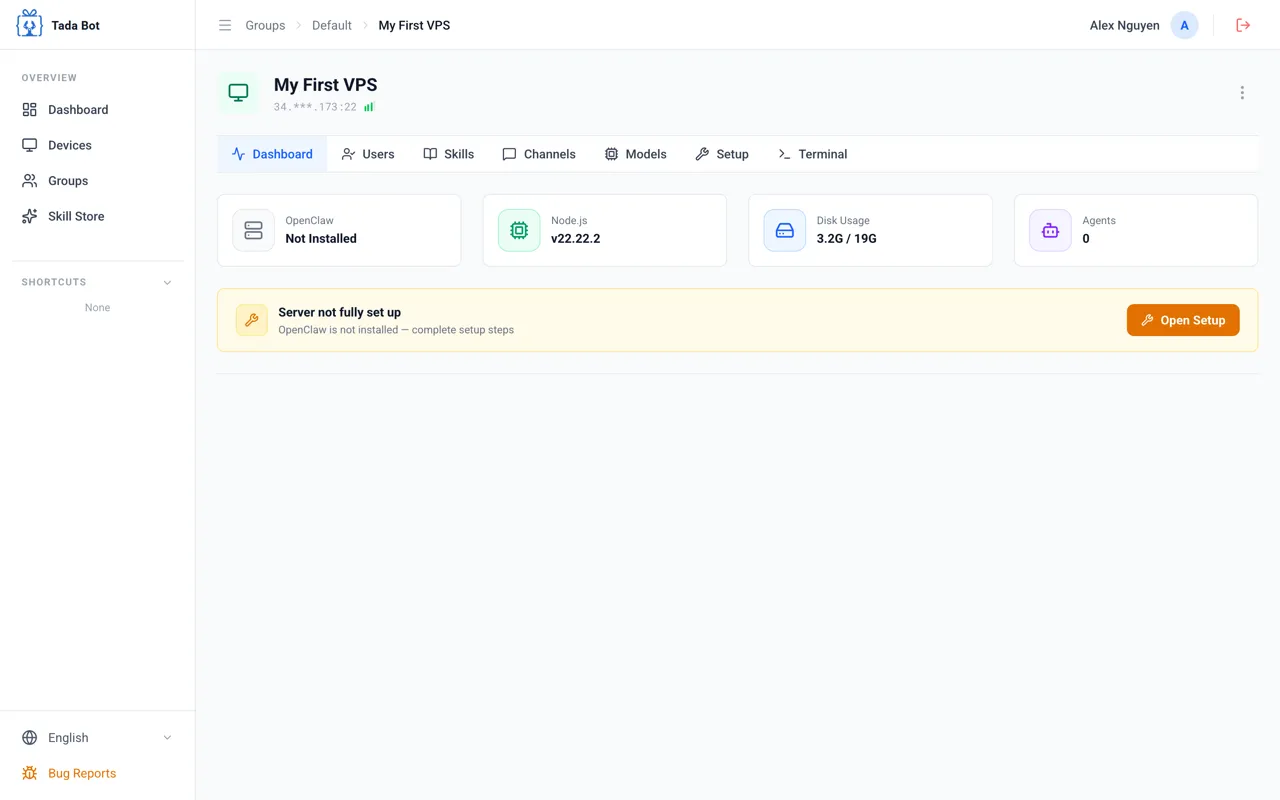
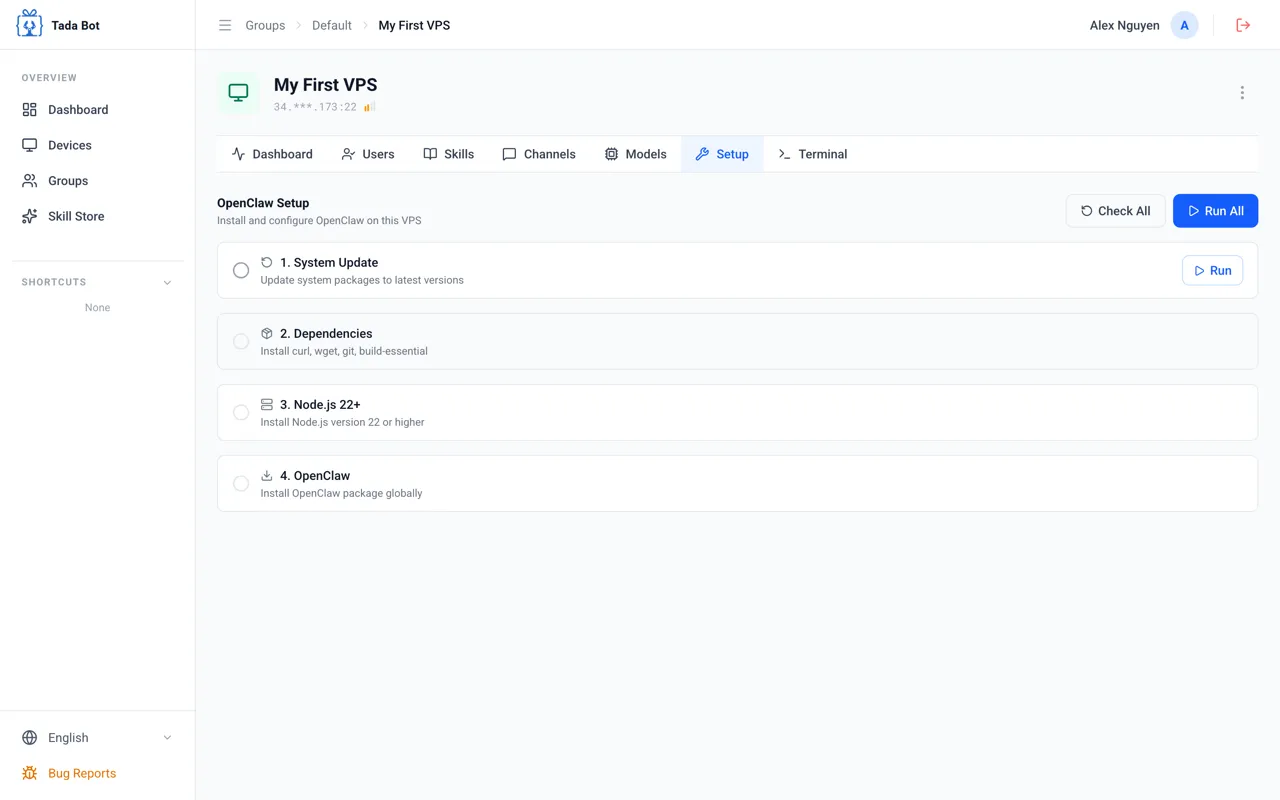
Click "Open Setup"
On the device Dashboard, click the "Open Setup" button to begin installing OpenClaw.
Step 2
Add AI Model
Add an API key so agents can use AI models (Google Gemini, OpenAI, Anthropic, etc.).
Step 1 / 3
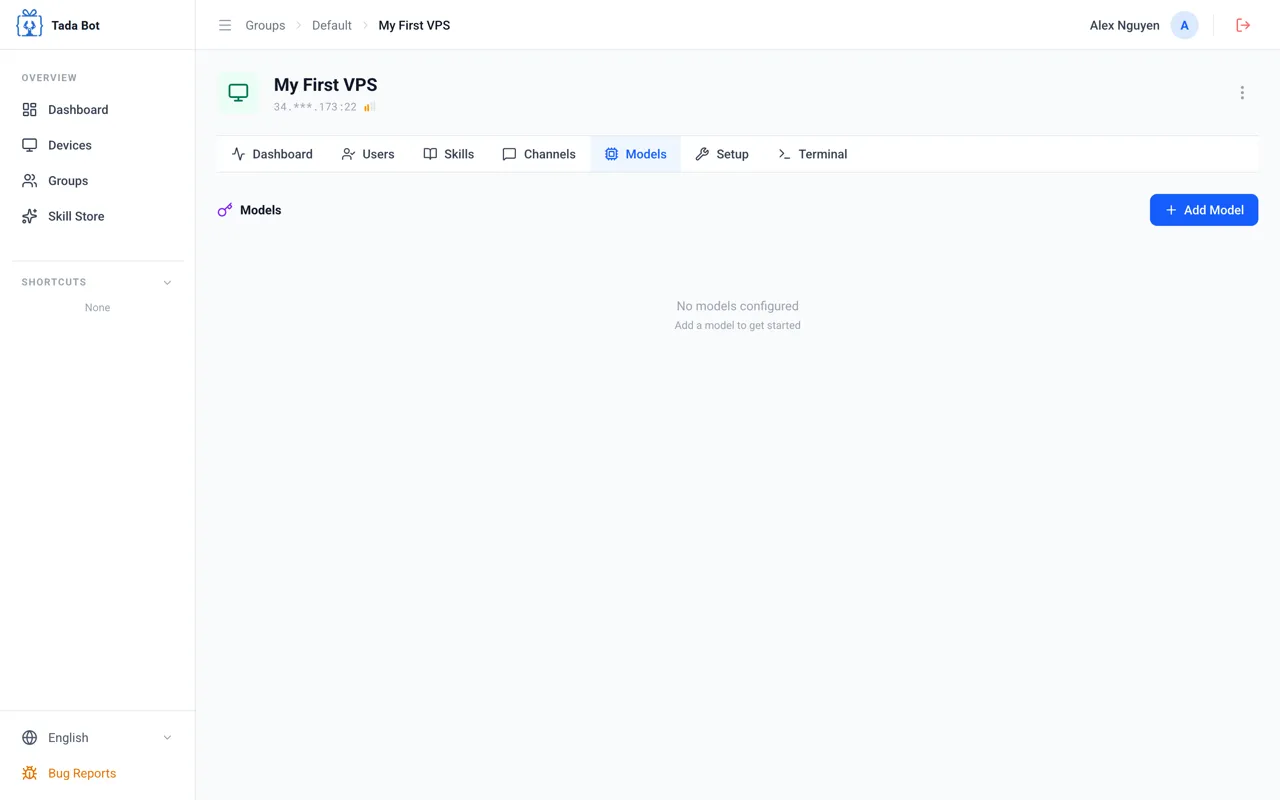
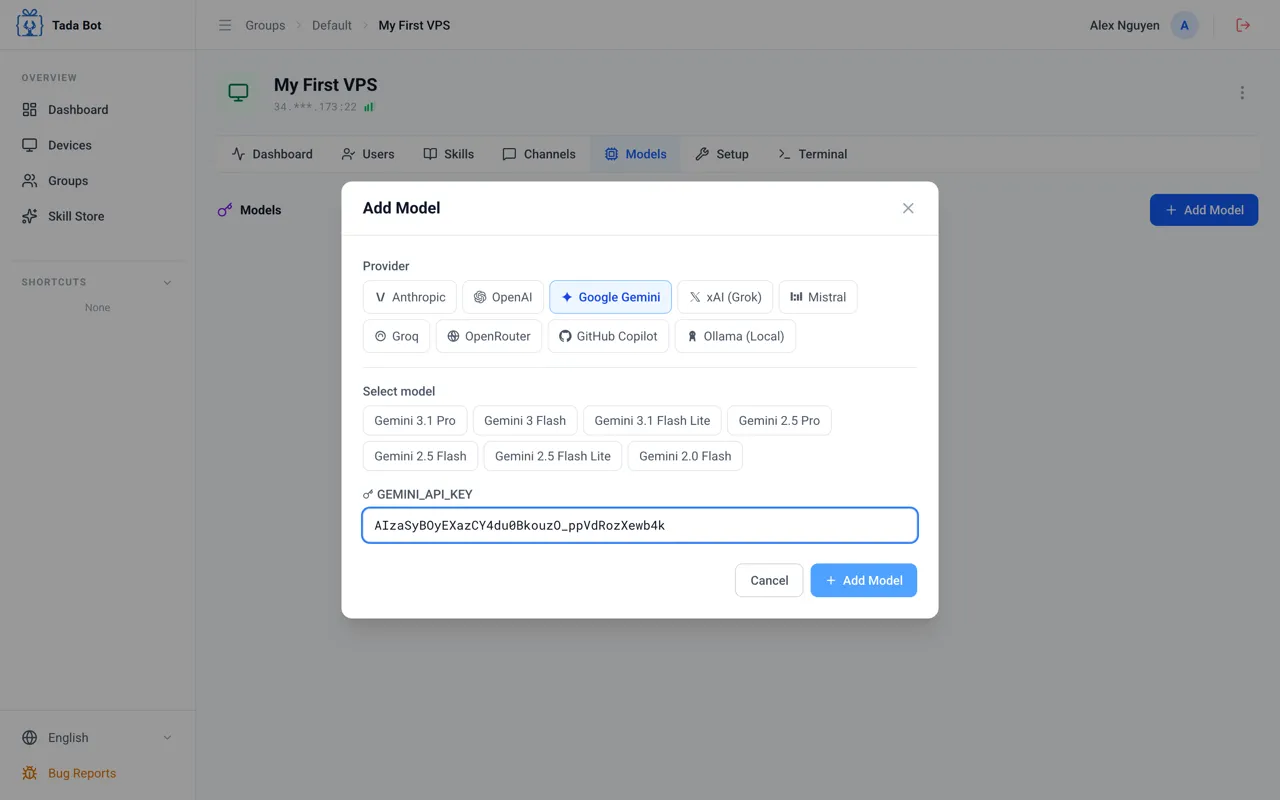
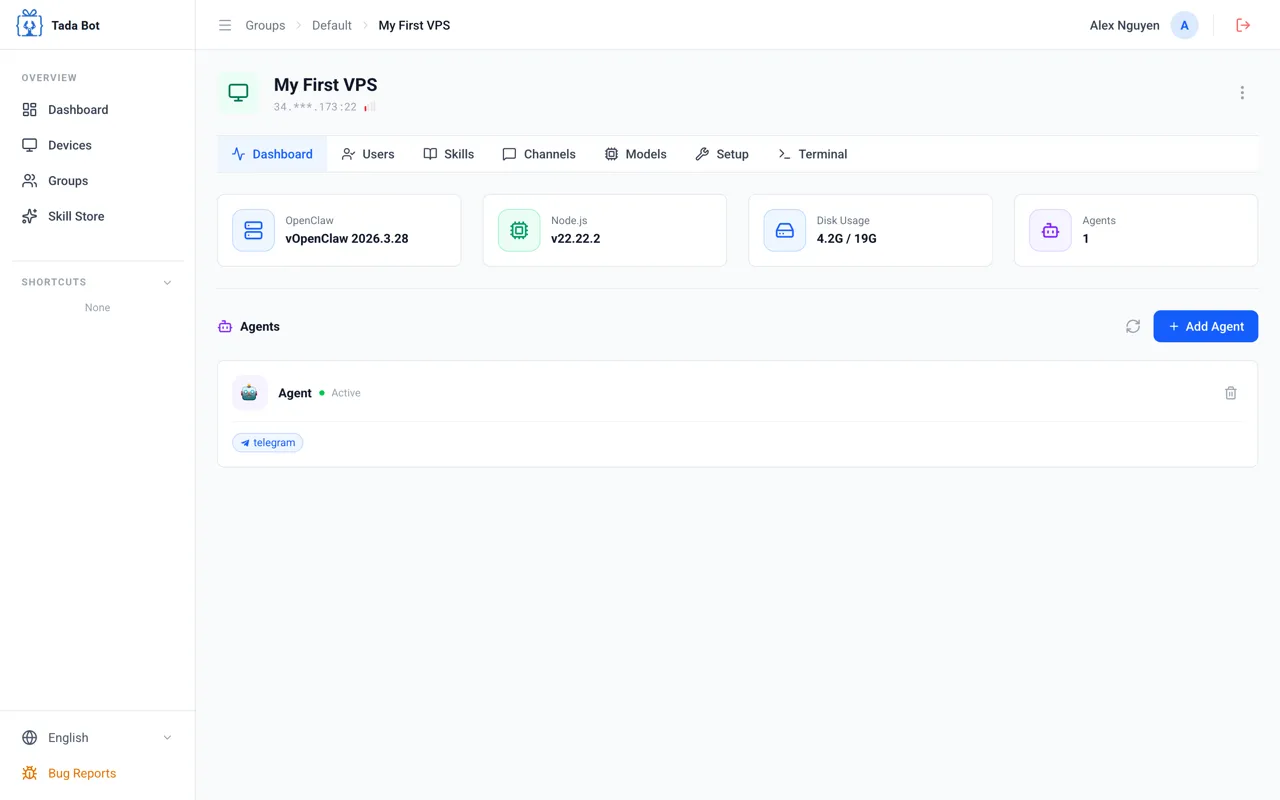
Open Models Tab
Go to the "Models" tab and click "+ Add Model" to add an AI model for the agent.