Step 1
Rent a VPS & Get SSH Credentials
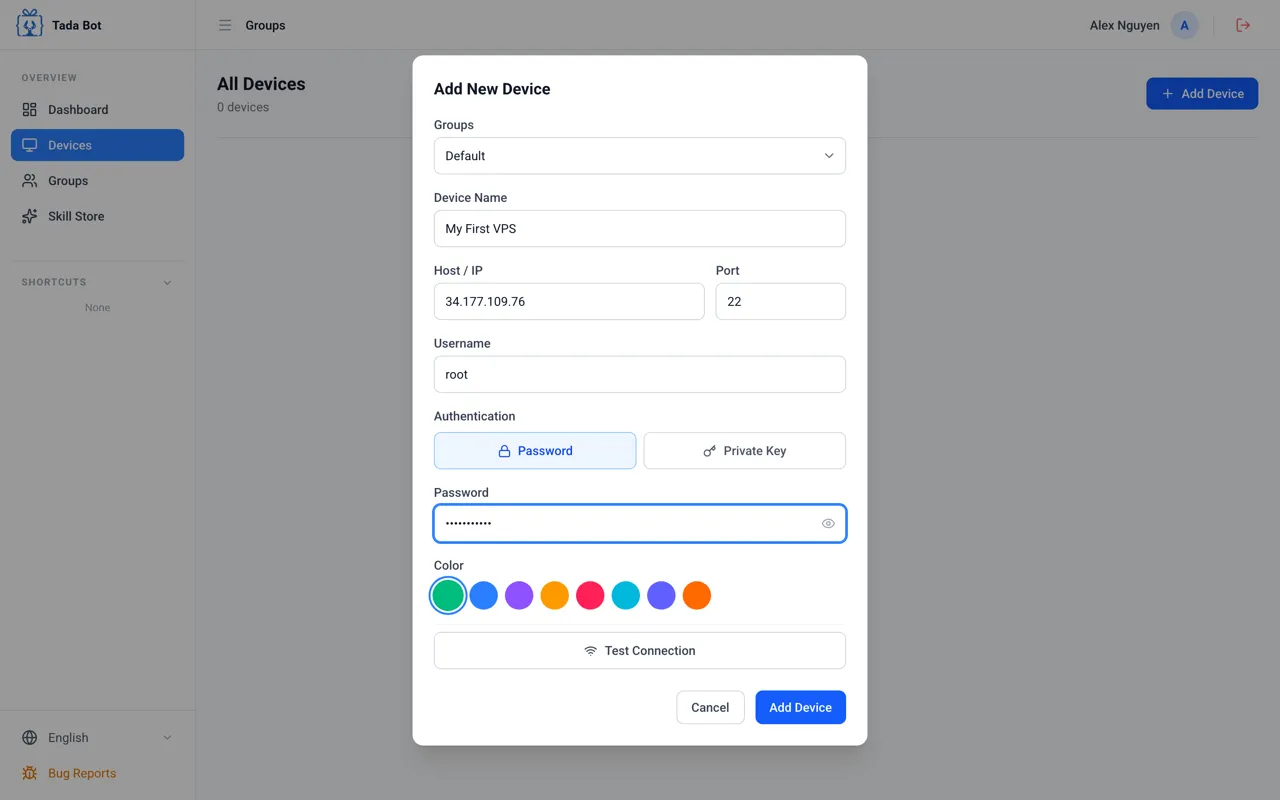
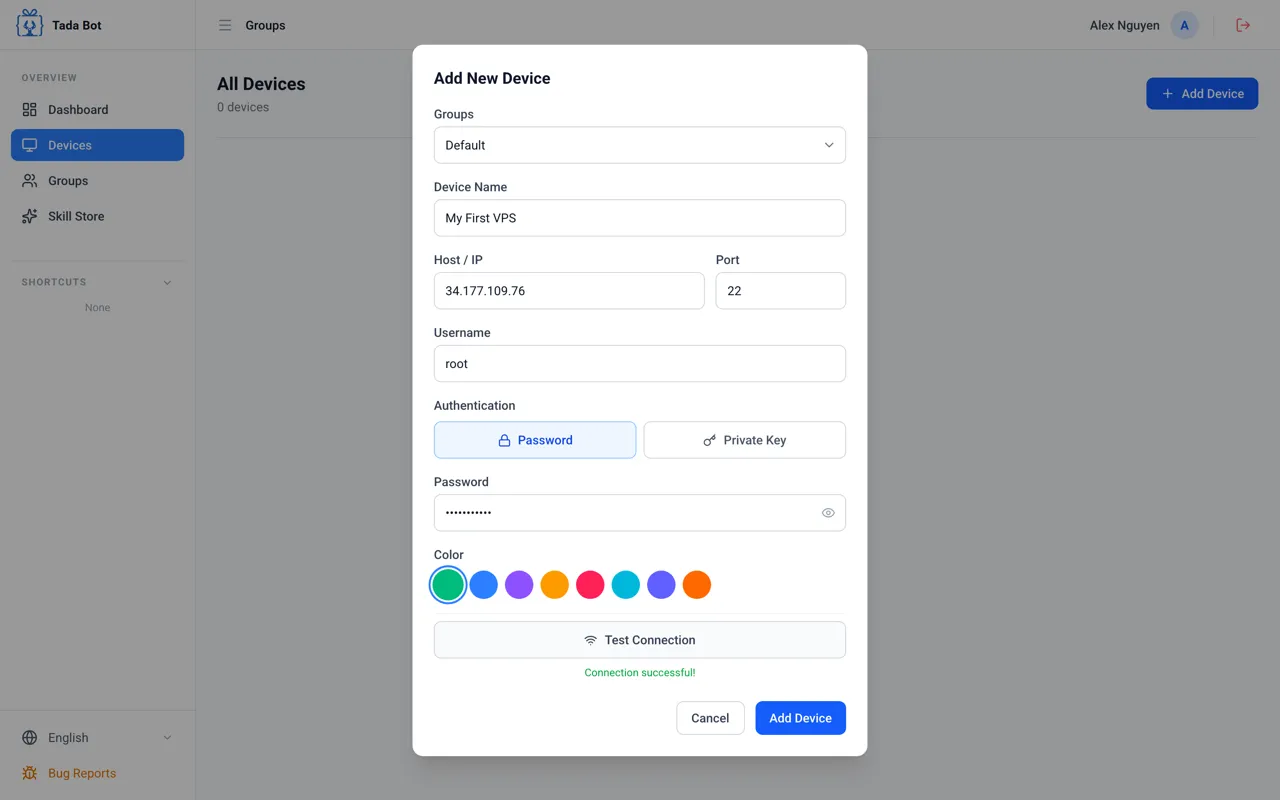
Choose a provider, rent a VPS with Ubuntu (4GB RAM or higher), and get 3 pieces of info: IP Address, Username and Password.
Step 2
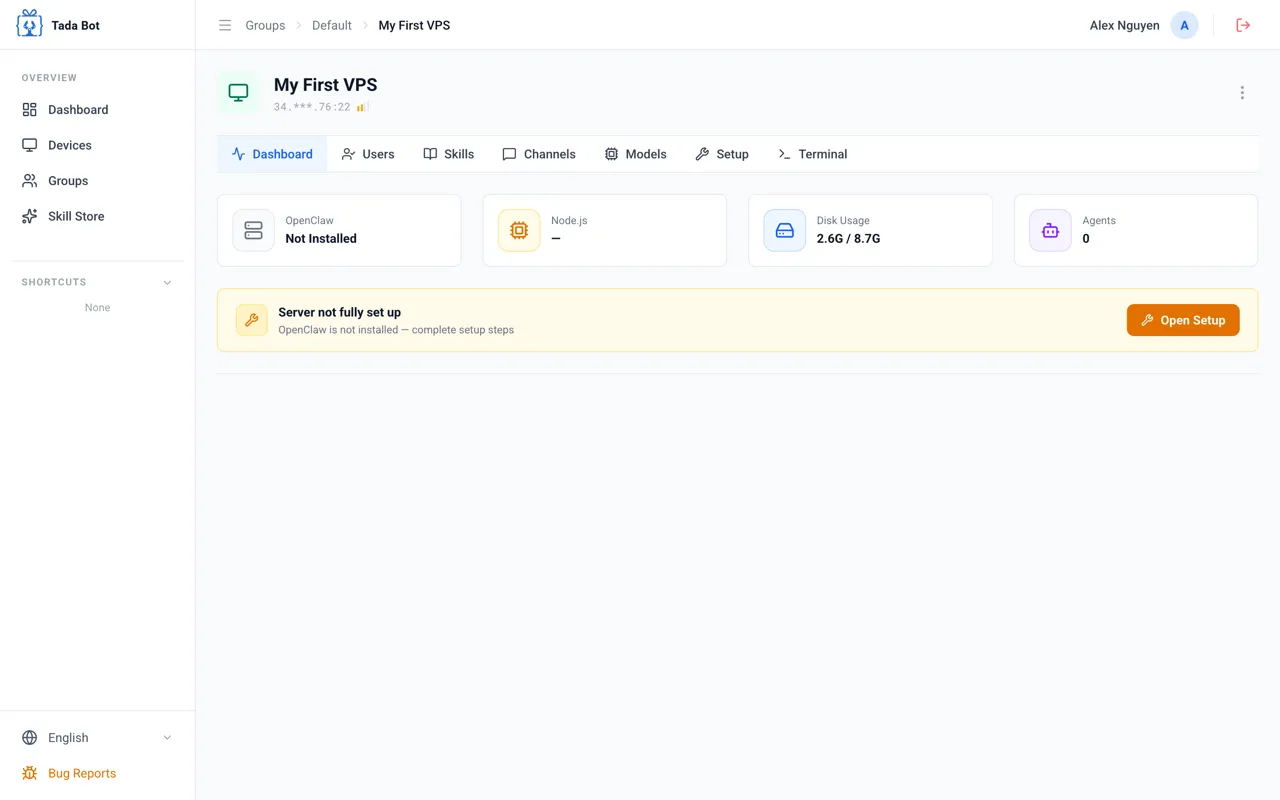
Register & Connect VPS
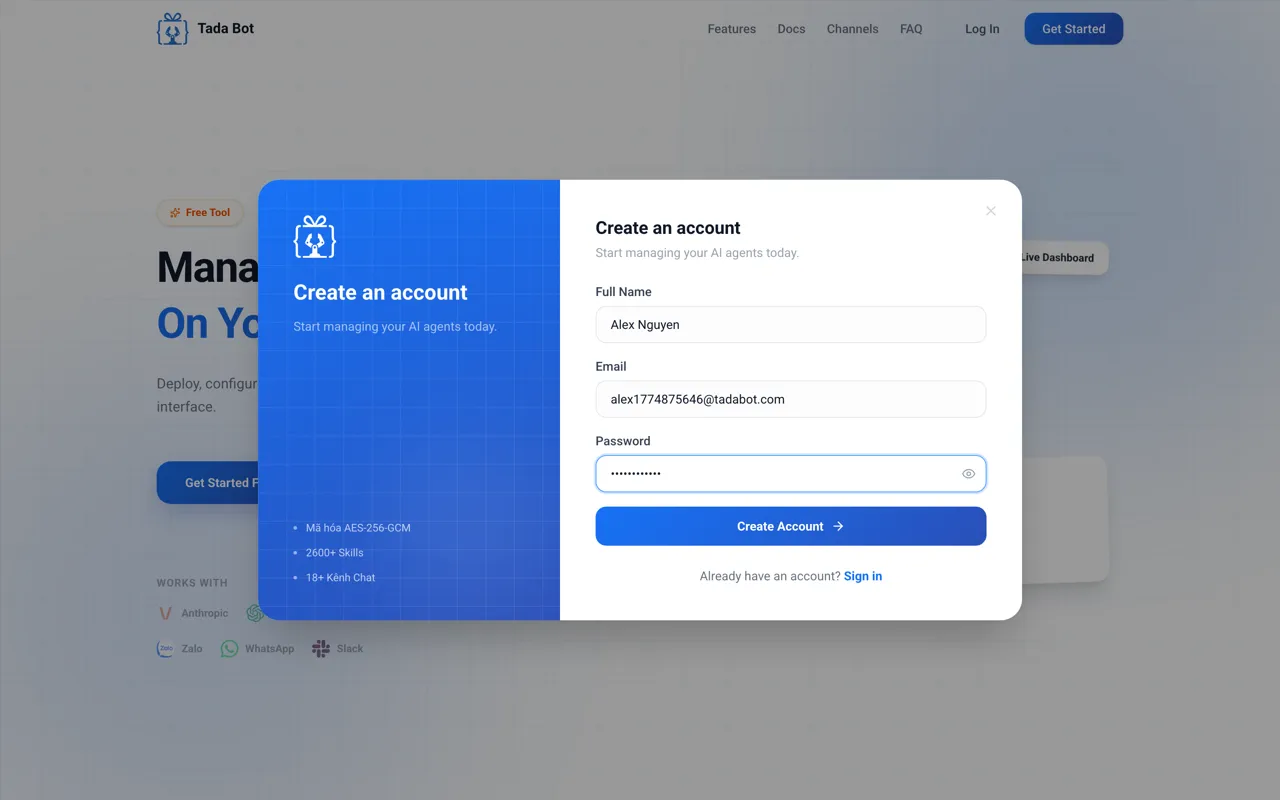
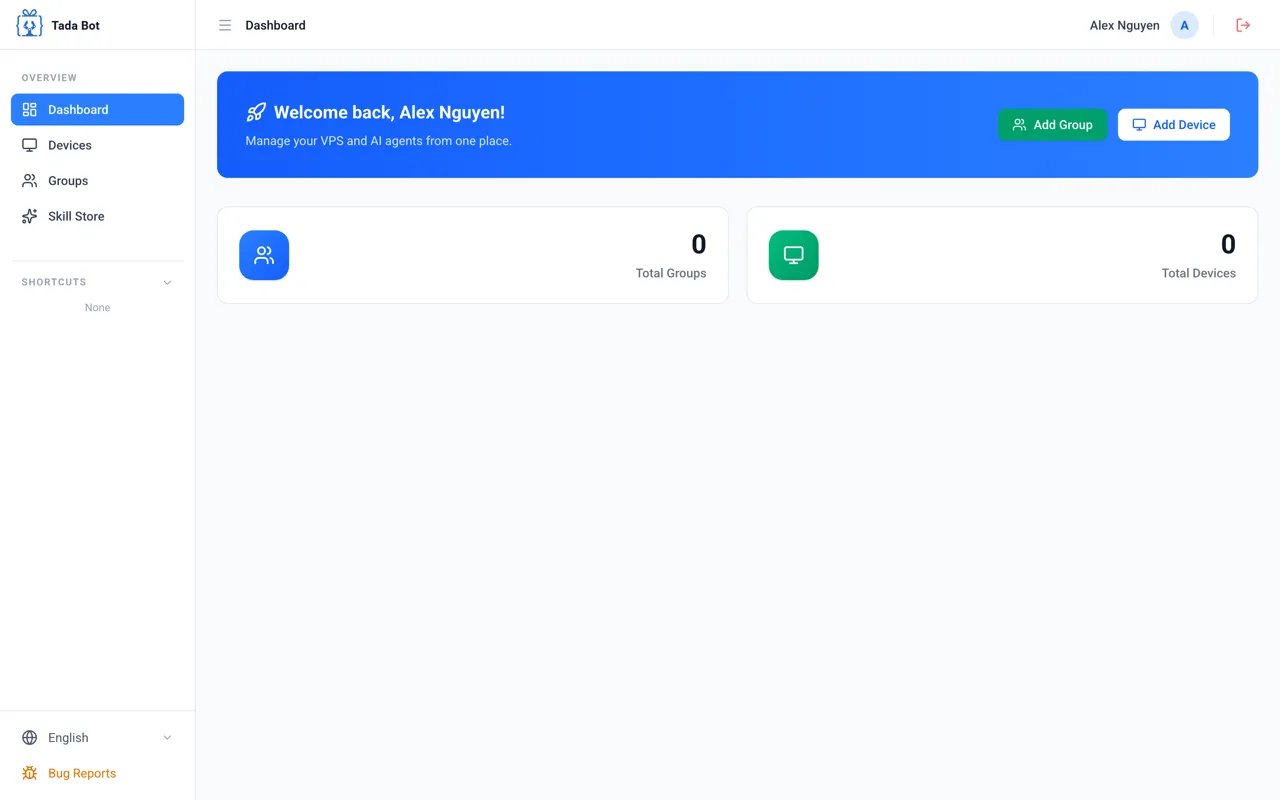
Step-by-step visual guide
Step 1 / 6
Visit Tada Bot
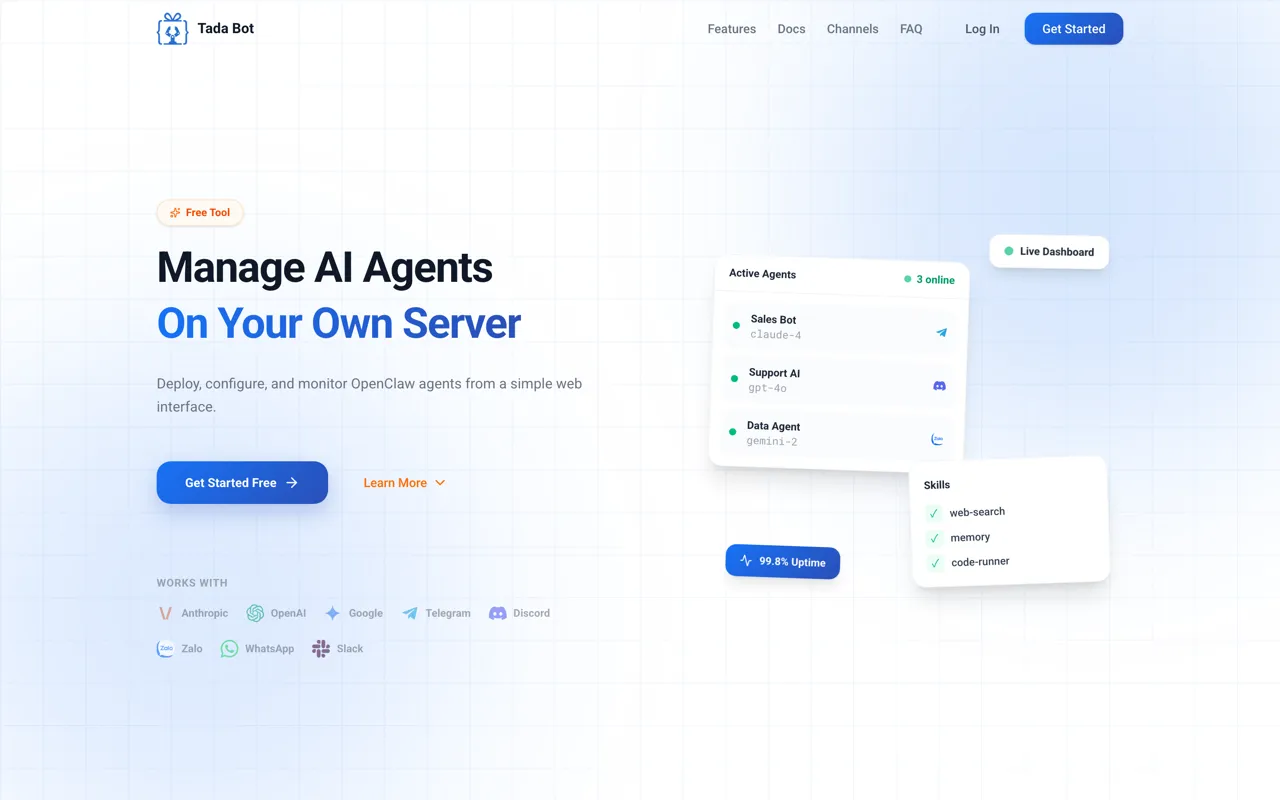
Open your browser, visit the Tada Bot homepage and click "Get Started".
AES-256-GCM
No Password Exposure
No Unauthorized Access
Row Level Security