Step 1
Connect Chat Channel
Add Telegram (or another channel) and restart the gateway to apply.
Step 1 / 5
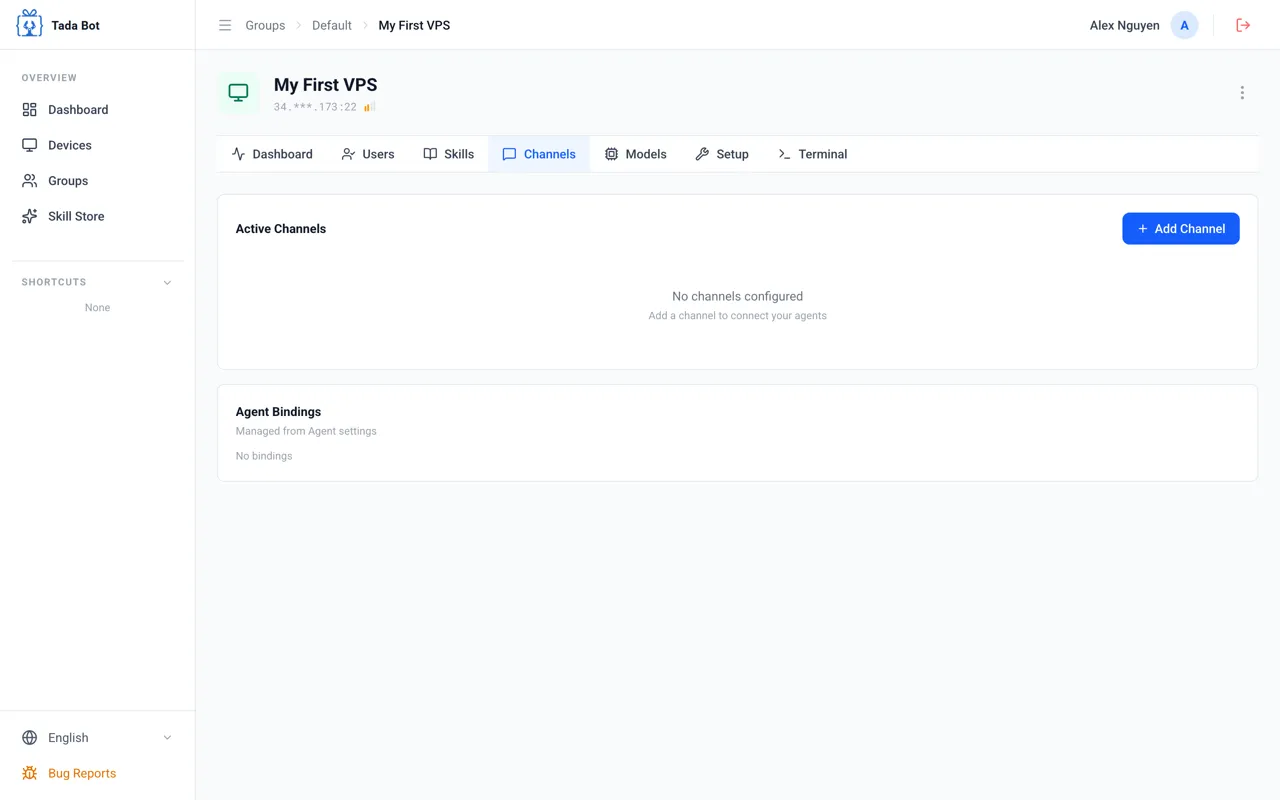
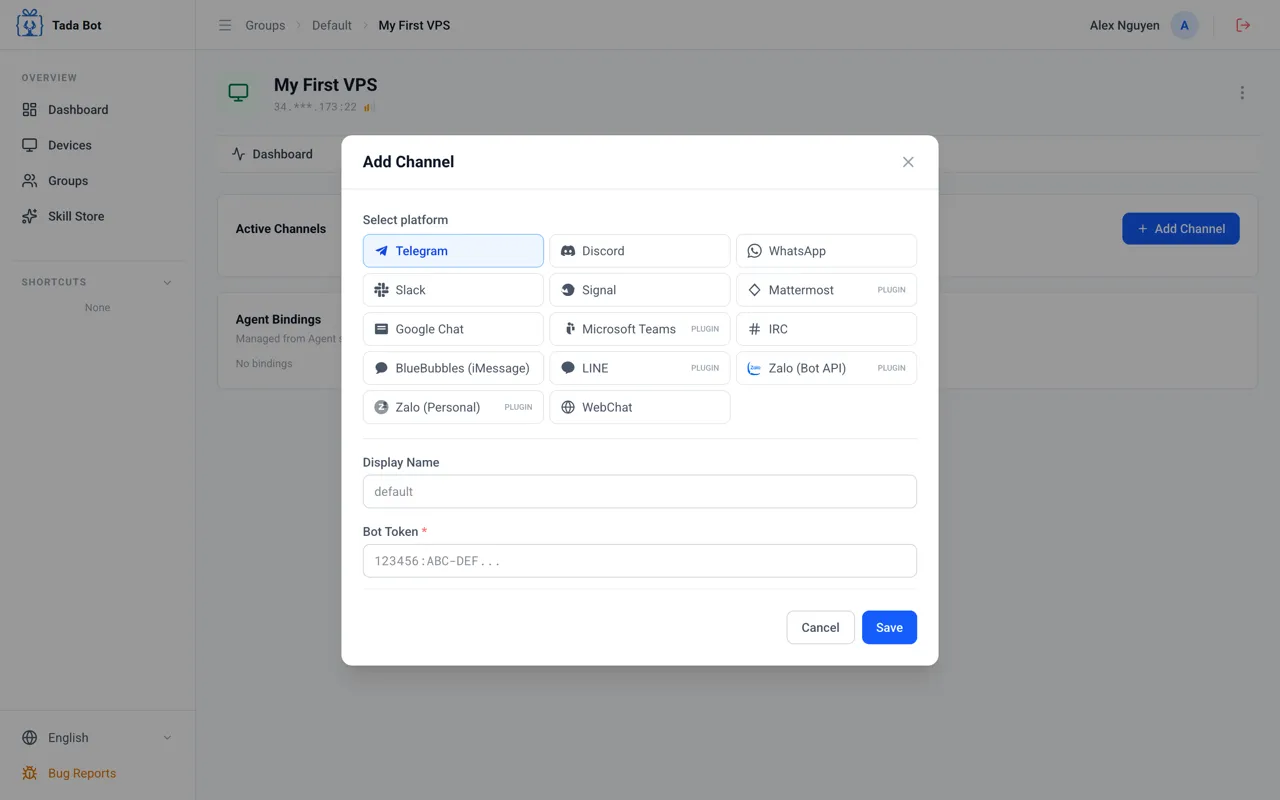
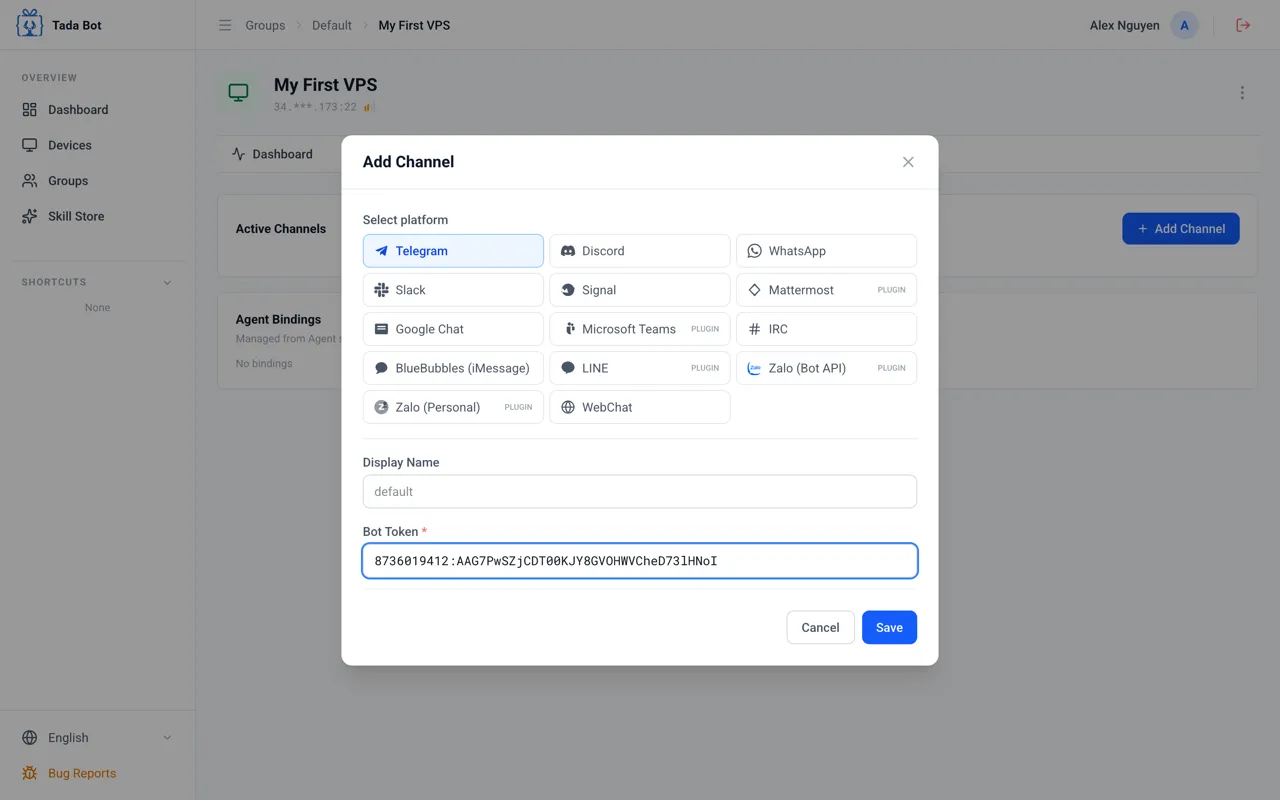
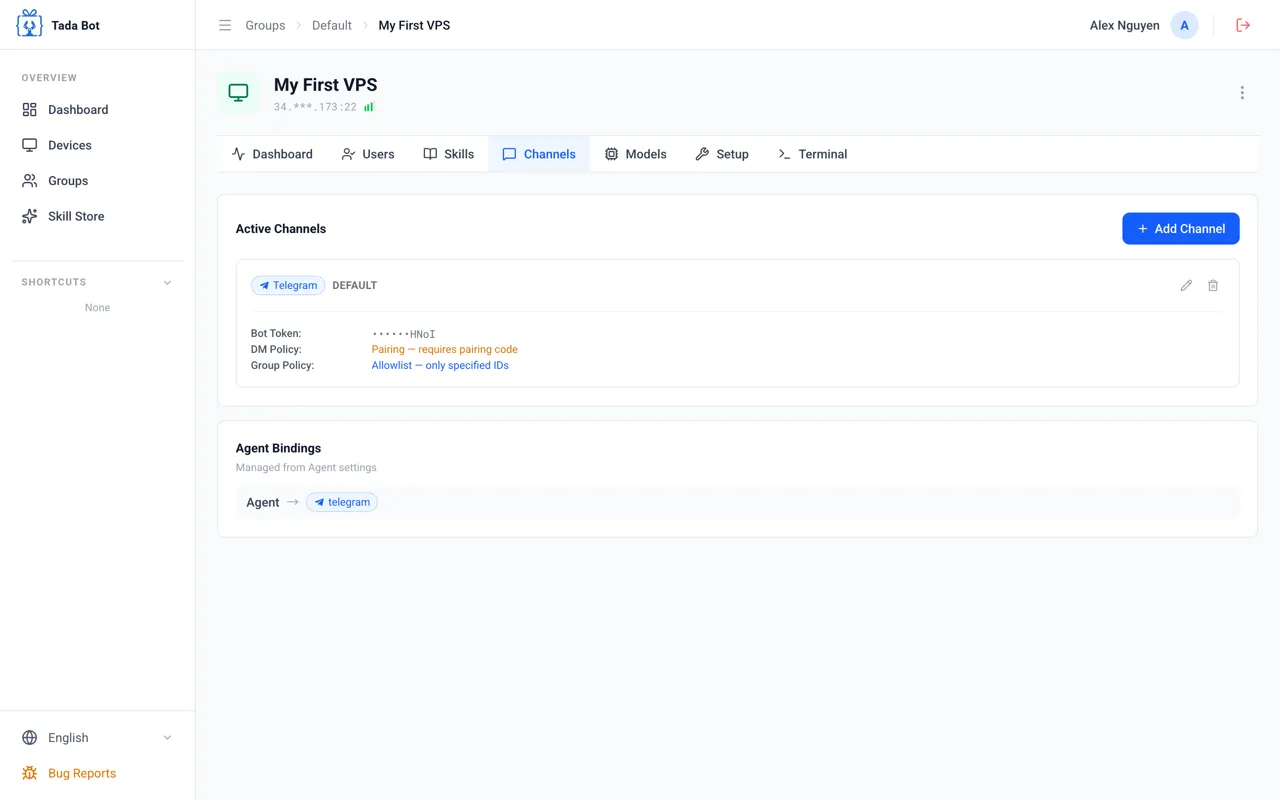
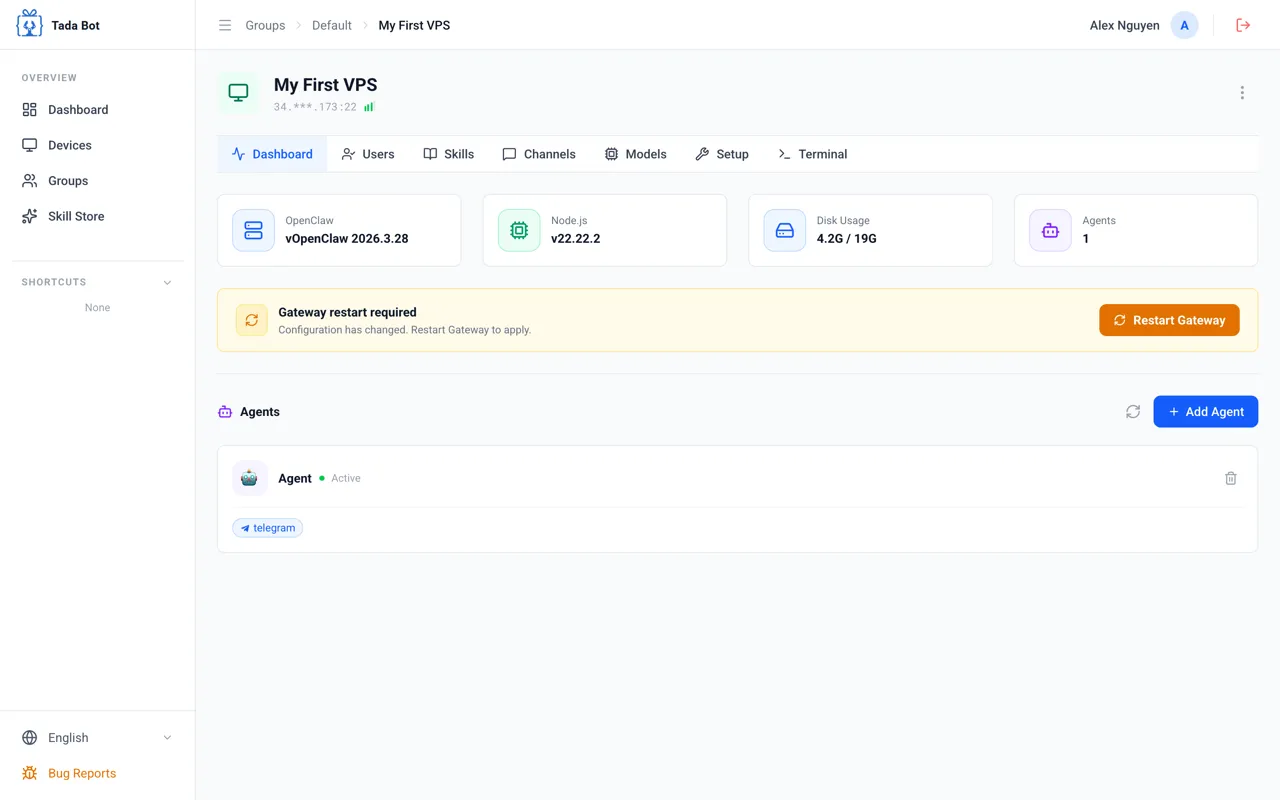
Open Channels Tab
Go to the "Channels" tab and click "+ Add Channel" to connect a chat channel.
Step 2
Start Chatting
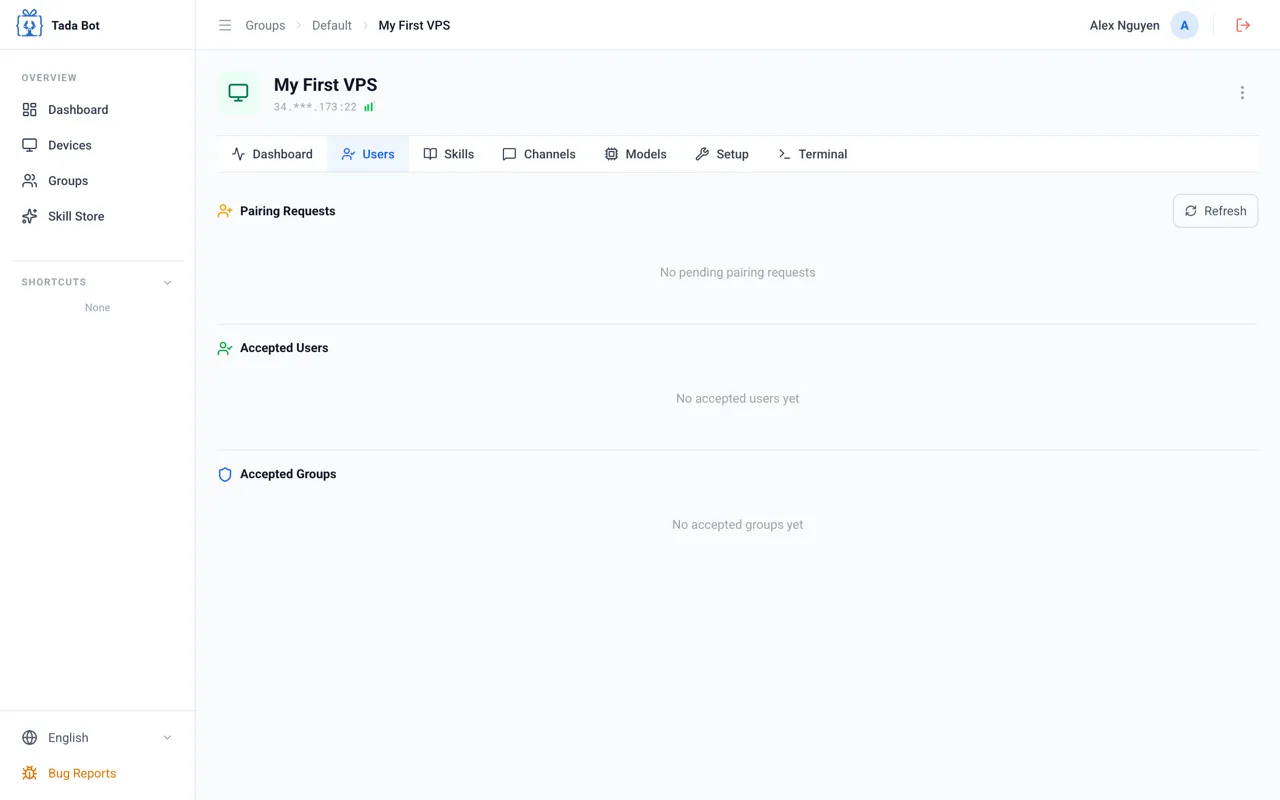
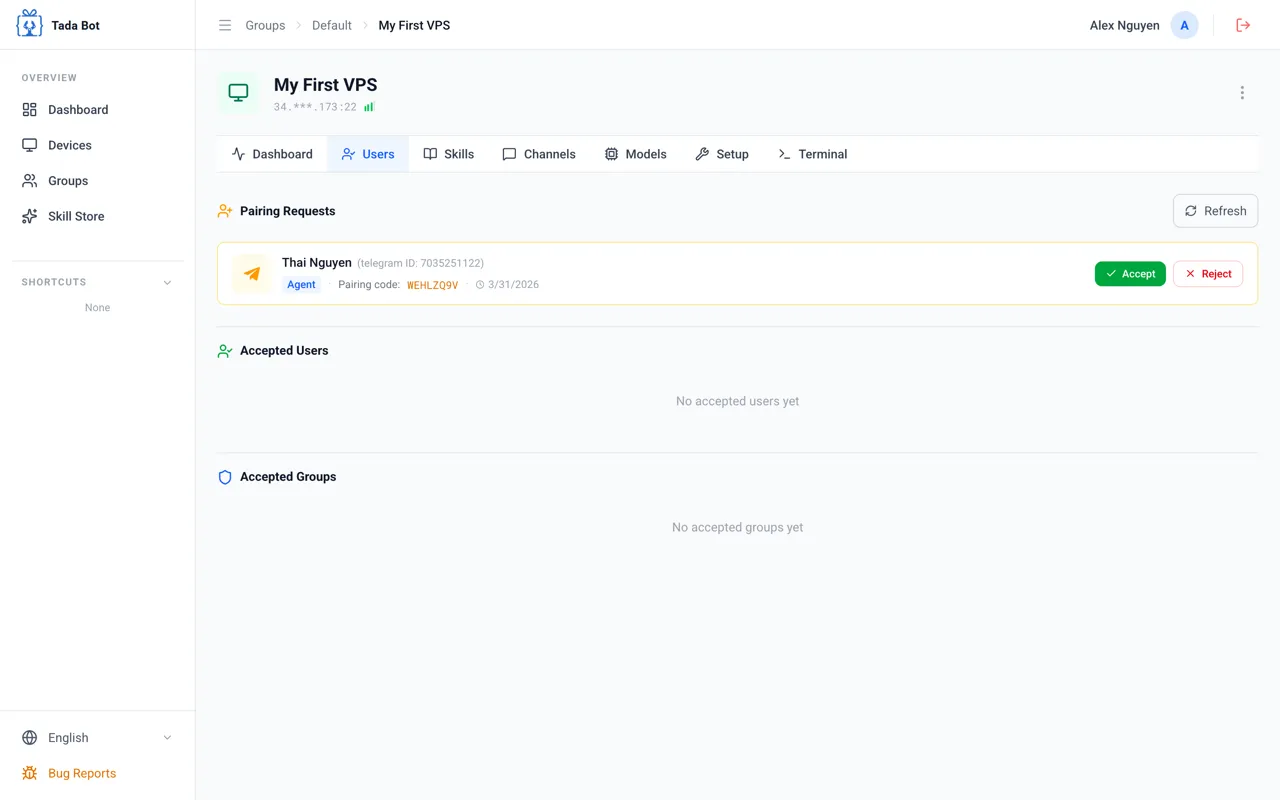
Send a message to the bot and accept pairing to begin.
Step 1 / 3
🎉
Congratulations! Setup Complete
Your agent is ready! You can create multiple agents on the same device. Go to the "Skills" tab to install more skills (web search, conversation memory, 2000+ skills) to make your agent more powerful.
🤖
Create Multiple Agents
Each agent serves a different purpose on the same device.
⚡
Add Skills
"Skills" tab — 2000+ skills to make your agent more powerful.
Message the Bot
Open Telegram, find your bot, and send any message to receive a pairing code.